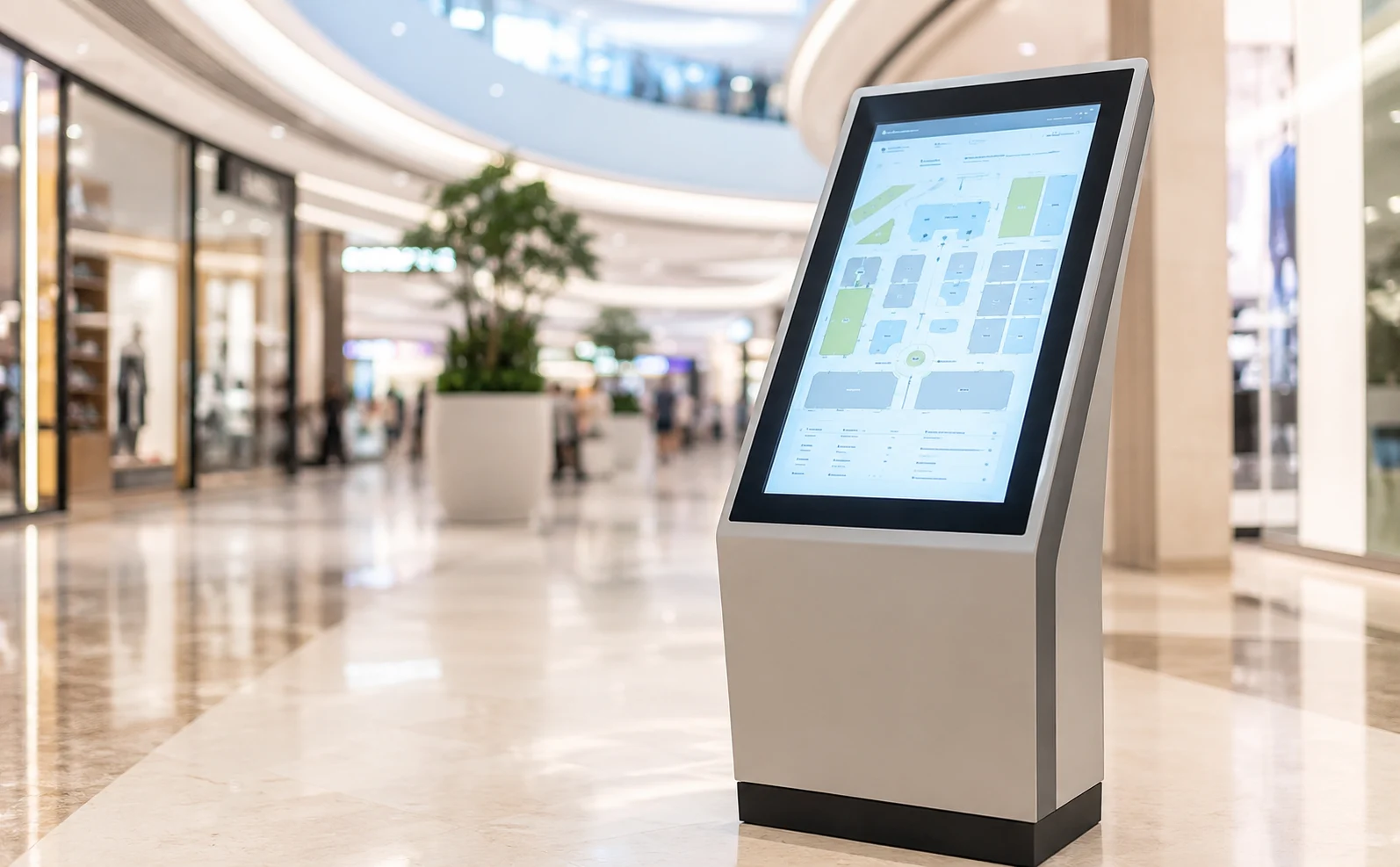
7 Questions to Ask a Touch Screen Kiosk Manufacturer
Picking a touch screen kiosk manufacturer sounds straightforward until a unit fails six months after installation and the warranty paperwork raises more questions than it answers. Across Abu Dhabi and the wider UAE, retail chains, clinics, and government service centers keep swapping static signage for interactive kiosks, and the businesses that end up happy with the switch are usually the ones who asked the right questions before signing anything.
Why the Digital Kiosk Display Market Gets Crowded Fast?
Walk through any mall in Abu Dhabi and count the digital kiosk display units: wayfinding screens near the entrance, payment terminals at the food court, and information panels outside a clinic wing. Demand grew quickly, and so did the number of suppliers willing to build one. Some import hardware and add generic software on top. Others design, assemble, and support the whole unit locally. Ask any touch screen kiosk supplier which of those two descriptions fits them, and the answer usually tells you more than a brochure does. The gap rarely shows up in a showroom demo. It shows up eighteen months later, when a touchscreen stops responding in the summer heat or a payment module needs a firmware fix nobody on the supplier’s end can reach anymore.
Price is usually the first filter a buyer applies, and it’s often the wrong one to lead with. Two kiosks can look identical on a spec sheet and still behave completely differently after a year of daily use in a busy corridor. A lower quote sometimes reflects thinner internal components, a shorter firmware update cycle, or support that quietly stops once the invoice clears. None of that shows up in the first month. It shows up later, usually at the worst possible time.
Vetting a Touch Screen Kiosk Manufacturer: The Seven Questions
Is the hardware rated for where it will sit?
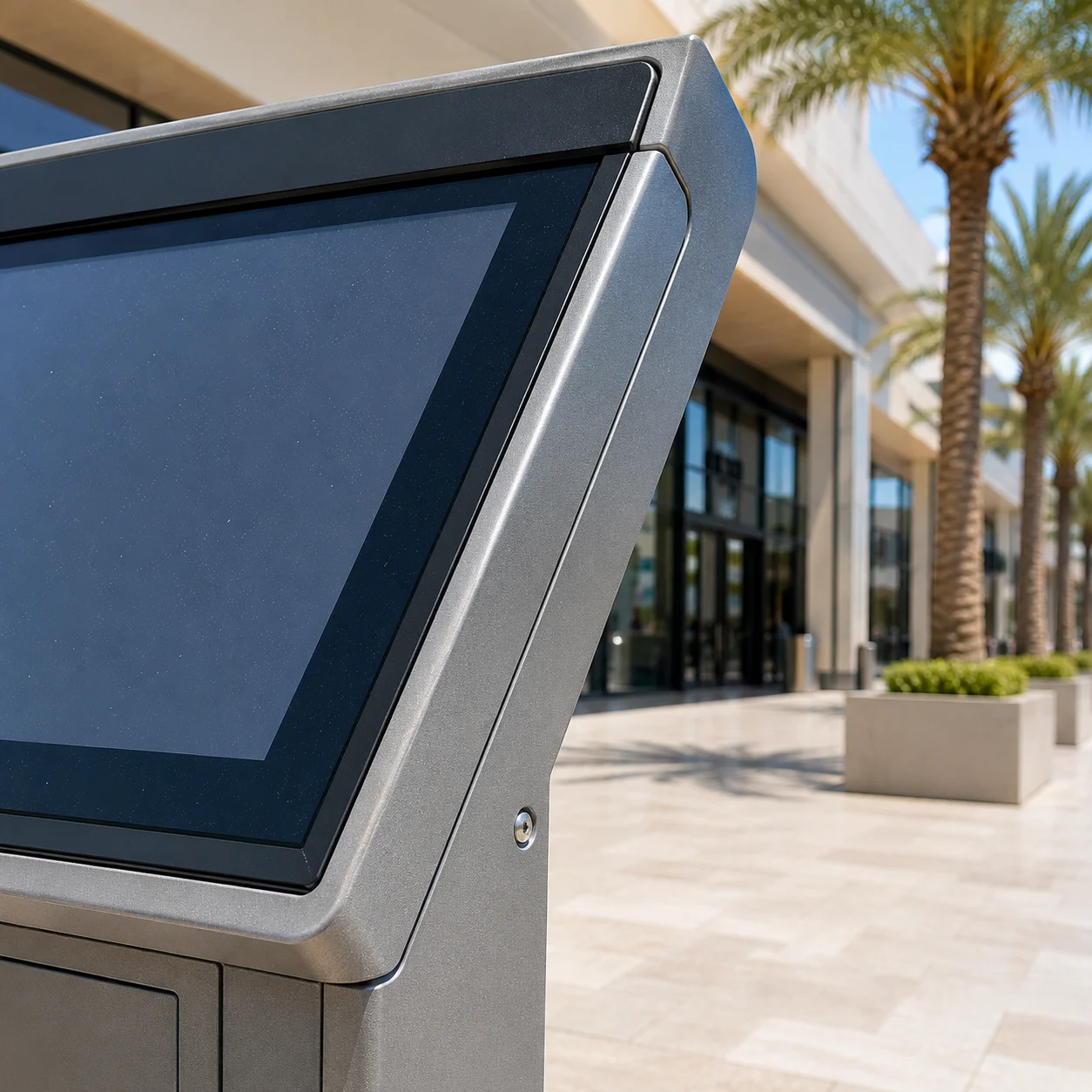
Indoor lobby kiosks and outdoor units near a mall entrance face different conditions entirely. Ask for the ingress protection rating on any outdoor kiosk, and ask what happens to touch response in direct sun or high humidity. A manufacturer who cannot answer specifically has probably not tested the unit outside a controlled room.
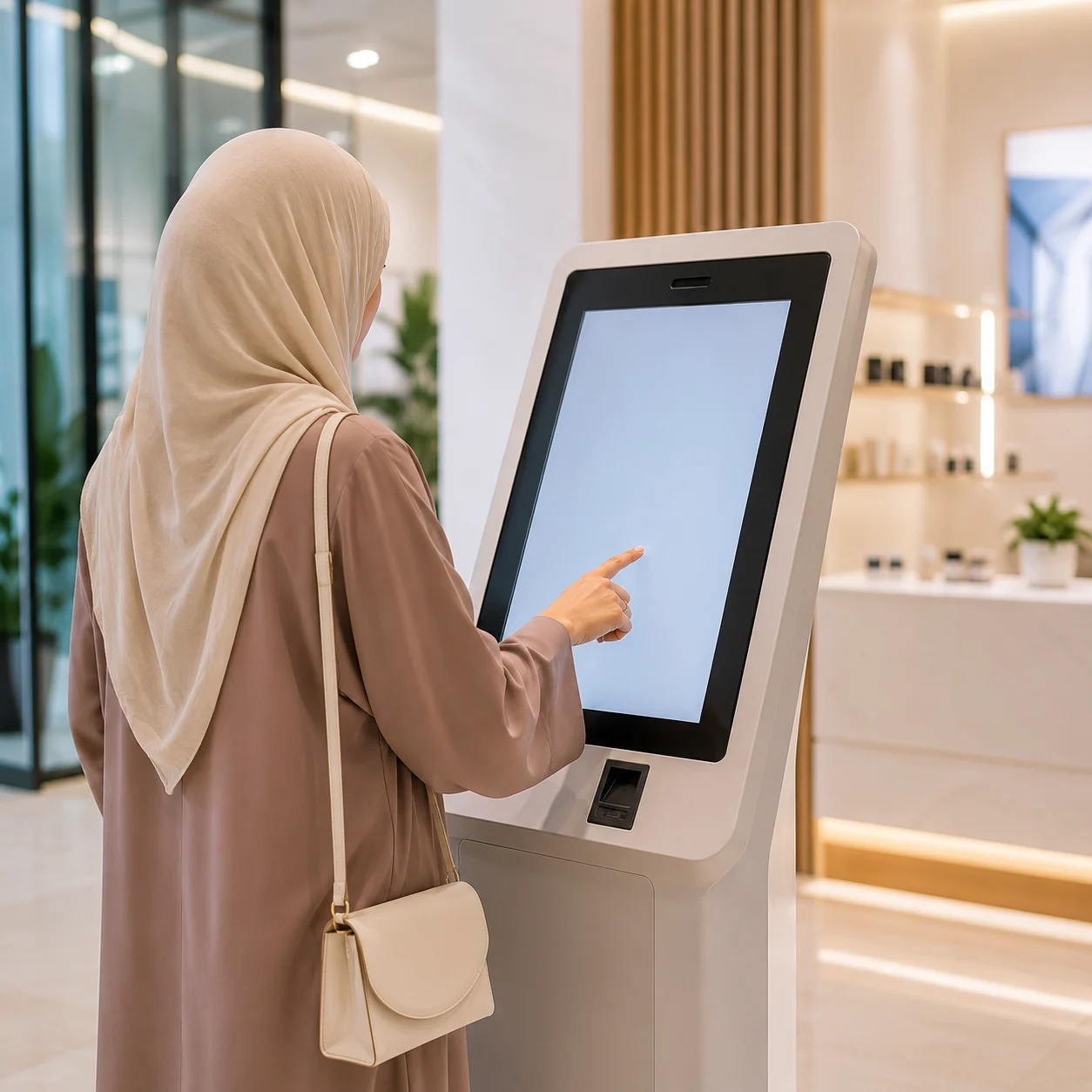
What does the warranty actually cover?
Screen replacement, touch sensor failure, and software bugs are not always covered under the same terms. Get the warranty period in writing, along with who ships replacement parts and how quickly.
Can the interface be customized for your workflow?
A self-service kiosk built for a retail queue looks nothing like one built for a clinic check-in counter. Ask to see the backend, not just the customer-facing screen, and check whether content changes need a developer or can be handled in-house.
Who handles support after installation?
Installation is the easy part. Ask who answers the call when a unit freezes on a Friday evening and whether that person sits in the same country or several time zones away.
Is payment integration native or added later?
Kiosks handling transactions need certified payment hardware from day one. A card reader bolted on afterward tends to cause more downtime than the kiosk itself.
How long has this manufacturer operated in the local market?
A supplier with a few years of visible installations in UAE malls, clinics, or government buildings has already worked through the region’s heat, dust, and power fluctuation issues that a newer entrant hasn’t faced yet.
What testing backs up the durability claims?
Ask for test reports rather than marketing copy. Ingress protection, touch panel cycle counts, and screen brightness ratings should all be documented, not assumed.
Self-Service Kiosk Deployment Beyond the Purchase Order
Buying the unit is one decision. Deploying it well is another. Placement matters almost as much as hardware; a kiosk tucked behind a pillar gets ignored no matter how good the screen is, while the same unit near a natural queue point sees steady use within days. Staff readiness matters too. Even a well-built self-service kiosk sees low adoption if front-of-house staff can’t troubleshoot a basic freeze or walk a hesitant customer through the first tap.
Lighting and sightlines get overlooked more often than they should. A kiosk facing a window can wash out under midday glare, and one positioned too close to a doorway picks up dust faster than expected in this climate. A signage company Abu Dhabi businesses already work with for wall displays or LED walls may handle kiosks too, which is worth checking before you split the project across two vendors. Ask whether they visit the site before installation or simply ship boxes to a loading dock and leave the placement decision to whoever happens to be around that day.
Final Thoughts
None of these seven questions demand technical expertise, just the patience to ask a touch screen kiosk manufacturer before a contract is signed instead of after a kiosk goes dark in a corner. What separates a good purchase from a regretted one usually comes down to documentation, testing, and whether a supplier answers specifics or repeats a sales pitch. Which of these questions would your current shortlist actually survive?
FAQ
If it sits under direct sun, near an entrance where wind or rain reaches it, or anywhere temperature swings by more than a few degrees throughout the day, it needs an outdoor-rated enclosure. Indoor lobby placement, away from windows and doors, can usually run on standard indoor hardware.
There’s no single industry number, but most reputable suppliers back hardware for at least a year and specify software support separately. Ask for the two terms in writing rather than accepting a vague “full warranty” line.
That depends entirely on how the backend was built. Some manufacturers hand over a simple content management panel; others require a developer for every menu change. Ask for a live demo of the admin side before you buy, not just the customer screen.
They can shift where staff time goes rather than eliminate it outright. Front-of-house teams spend less time on repetitive queries and more time helping customers who get stuck, so the savings show up gradually, not overnight.
Usually it comes down to placement and training, not the hardware itself. A kiosk installed without thought to foot traffic, or without staff briefed on basic troubleshooting, ends up unused within weeks regardless of build quality.